Resources 2026

Multi-site restaurant ERP: which software to steer your network in 2026?

Compare the leading multi-site restaurant ERPs in 2026: Praedixa, Adoria, Inpulse, Sage. Functional coverage, measurable ROI, quantified use case.

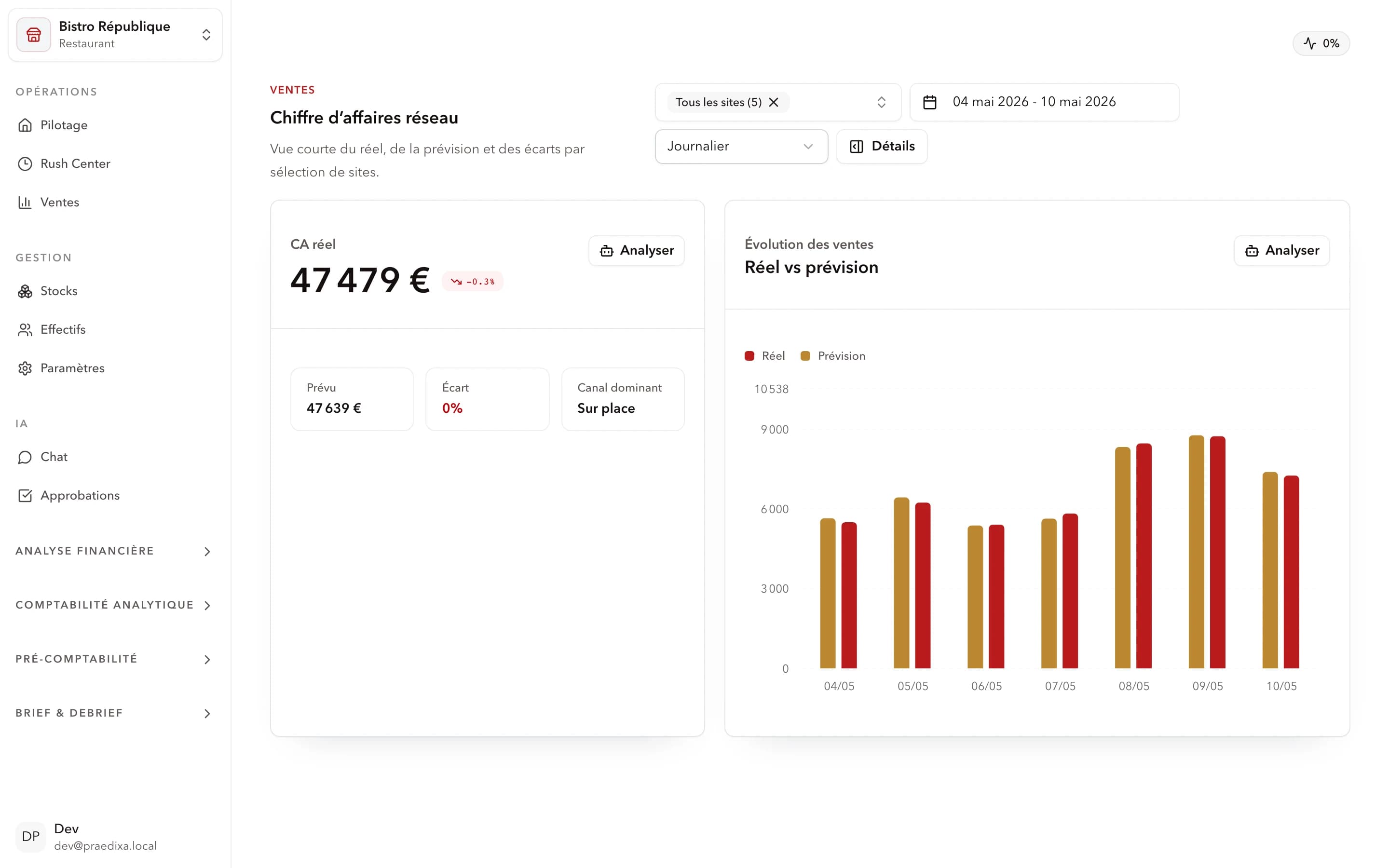
Praedixa Finance & Optimization module with consolidated net margin, open actions and cost structure for a restaurant network
Praedixa Finance module — consolidated net margin, action queue and cost structure for a multi-site network.

What is a multi-site restaurant ERP?

A multi-site restaurant ERP is a software platform that centralizes operational and financial management of a restaurant network: inventory, purchasing, labor, food cost and reporting. Unlike a generic ERP, it integrates foodservice specifics (occupancy forecasting, per-service management, food cost calculation) and lets the head office steer the entire network from a single interface.

  • A single source of truth for HQ and sites.
  • Anticipation, not just recording, of operations.
  • Measurable ROI within 90 days on operational signals.
Method

How to read this multi-site restaurant erp: which software to steer your network in 2026? comparison

This guide is built for an operational decision, not for a feature checklist. In foodservice, the financial and operational ERP for multi-site networks should be assessed by its ability to turn existing operational data into concrete tradeoffs: buying slightly less, reinforcing a team before a rush, preventing a likely stockout or protecting margin on a sensitive service.

The first question is therefore not simply: which tool has the best dashboard? The real question is: which tool helps a manager, franchisee or operations team decide before the issue is visible in the POS data? A good solution should connect POS, sales history, calendar, weather, inventory and scheduling data without forcing teams to replace their entire stack.

Praedixa focuses on an immediate operational challenge: forecasting demand and labor needs more accurately to reduce waste, stockouts, food cost and scheduling errors. The goal is simple: help teams make better decisions before service, with a measurable impact on margin.

Network ERP 2026

Generic ERP vs restaurant ERP: the key difference

A generic ERP (SAP, Sage, Odoo) covers finance, purchasing and inventory in an industrial or distribution logic. It doesn't know average ticket, occupancy, Friday-night peaks, or the impact of a sports event on traffic.

A restaurant ERP integrates these business realities natively:

  • Management by service (lunch/dinner) and by channel (dine-in, delivery, click & collect)
  • Real-time vs theoretical food cost
  • Demand forecasting at ingredient granularity
  • Labor scheduling aligned with forecast flow

Why classic ERPs (SAP, Sage) are not enough

SAP or Sage X3 are designed for industrial or multi-entity organizations. They excel at financial consolidation and generic supply chain. But they ignore foodservice specifics:

  • No per-site, per-service traffic forecasting
  • No recipe-level waste management
  • No labor planning adapted to shifted hours and activity peaks
  • Long deployment (6 to 24 months) and high cost, unfit for 10–100 restaurant networks

Function 1 — Per-site demand forecasting

Starting point for everything else. Without reliable forecasts, orders are approximate, schedules are oversized and waste accumulates. Good restaurant demand forecasting integrates:

  • Sales history per site and per product
  • External factors: weather, local events, school holidays, public holidays
  • Seasonal trends and ongoing promotions

Function 2 — Inventory and purchasing

Not just digital inventory. A restaurant ERP must calculate real-time theoretical stock from sales and recipes, generate forecast-driven order recommendations, detect theoretical-vs-actual consumption variance (shrink), and centralize purchasing data for HQ. Goal: zero stockouts, zero overstock, minimal waste. See multi-site inventory management for the detail.

Function 3 — Labor planning

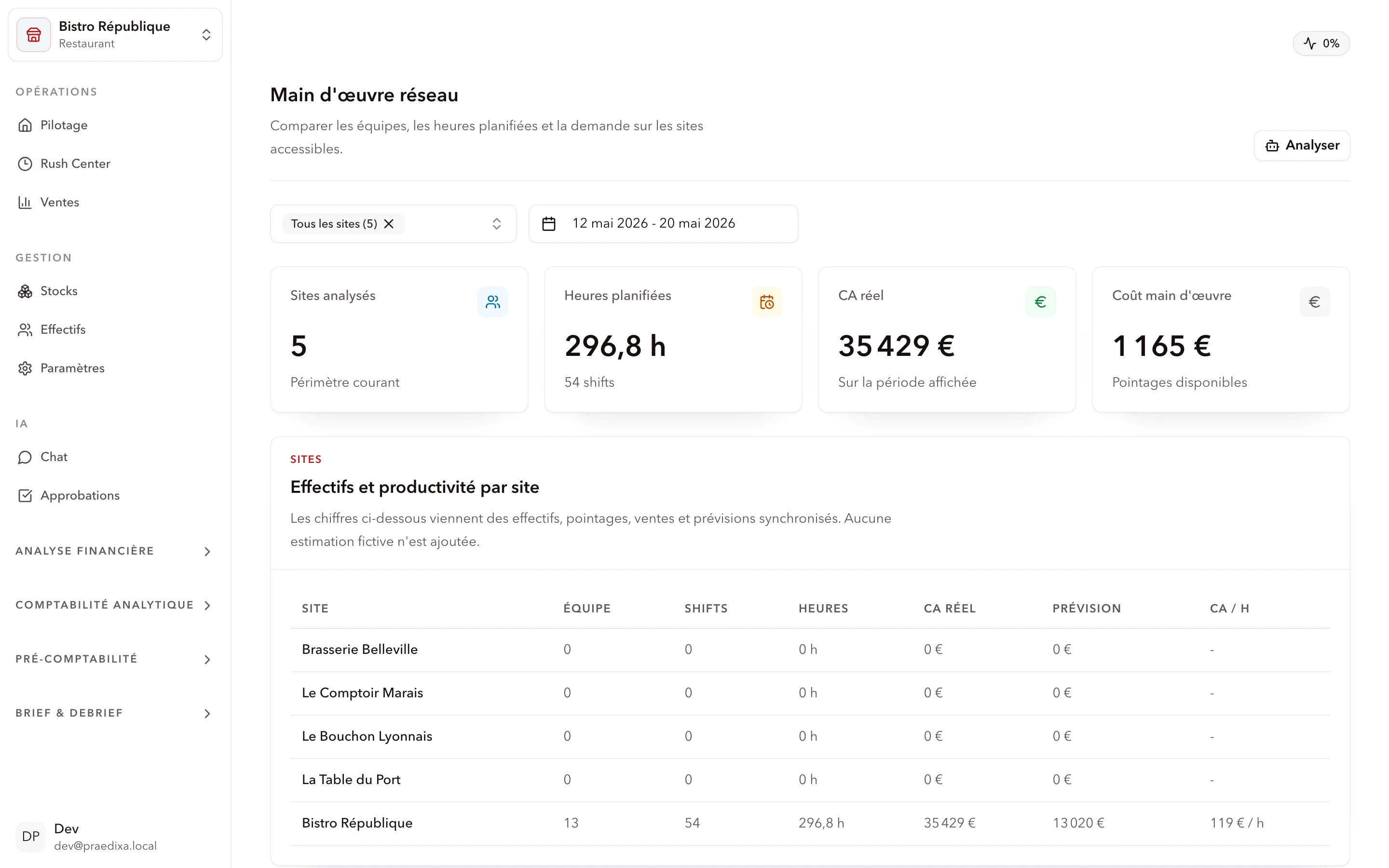
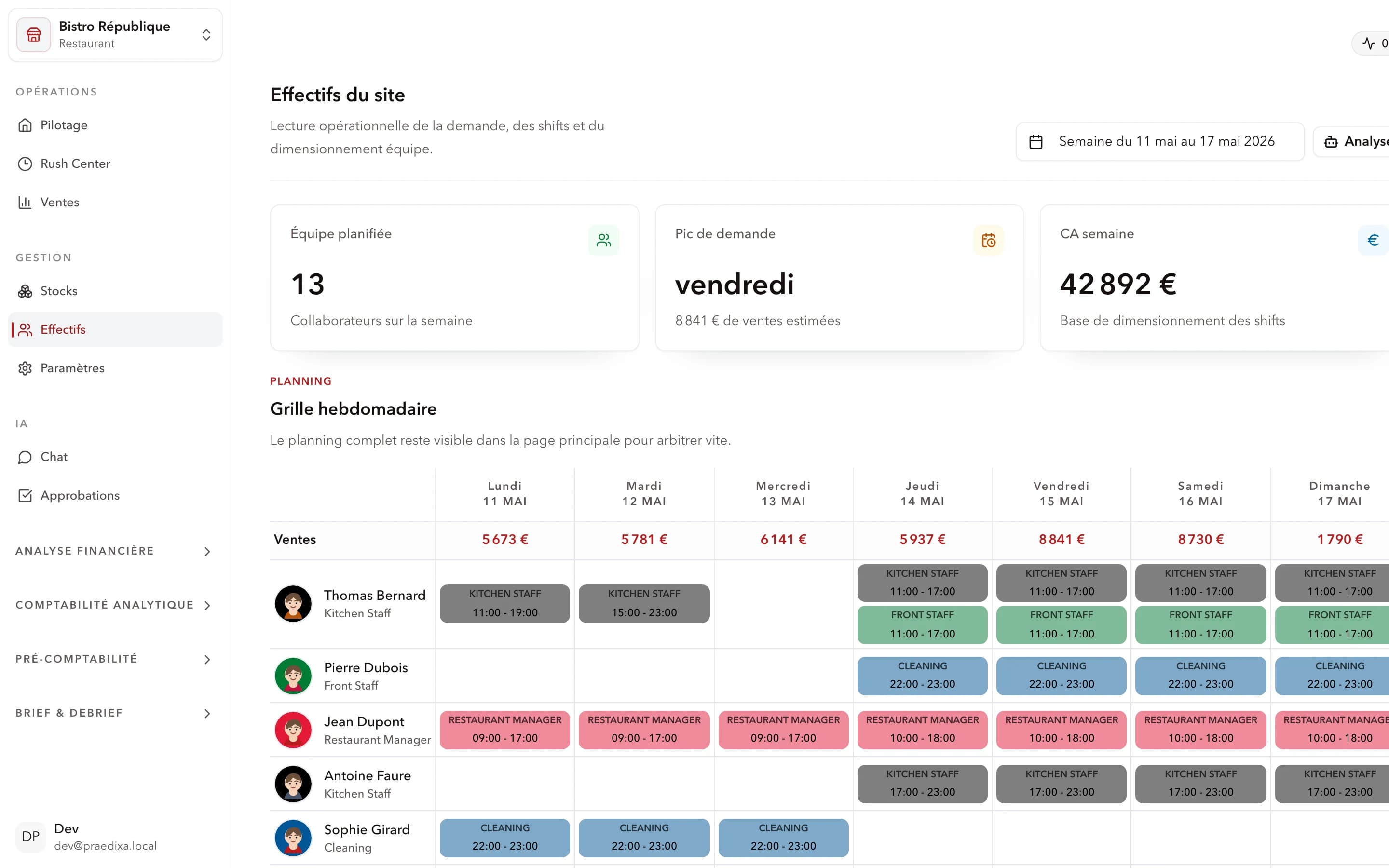
Labor cost is 30–35% of revenue in foodservice. The most underused profitability lever in multi-site networks. A performant restaurant ERP schedules labor based on traffic forecasts: right profiles, right slots, no over- or understaffing. The schedule flows from the forecast, not the reverse. See restaurant labor planning for dedicated tools.

Function 4 — Consolidated financial steering

HQ needs real-time consolidated visibility:

  • Theoretical vs actual food cost per site and per network
  • Labor cost as % of revenue per location
  • Consolidated gross margin with alerts on drifting sites
  • Cross-site comparison to surface best practices
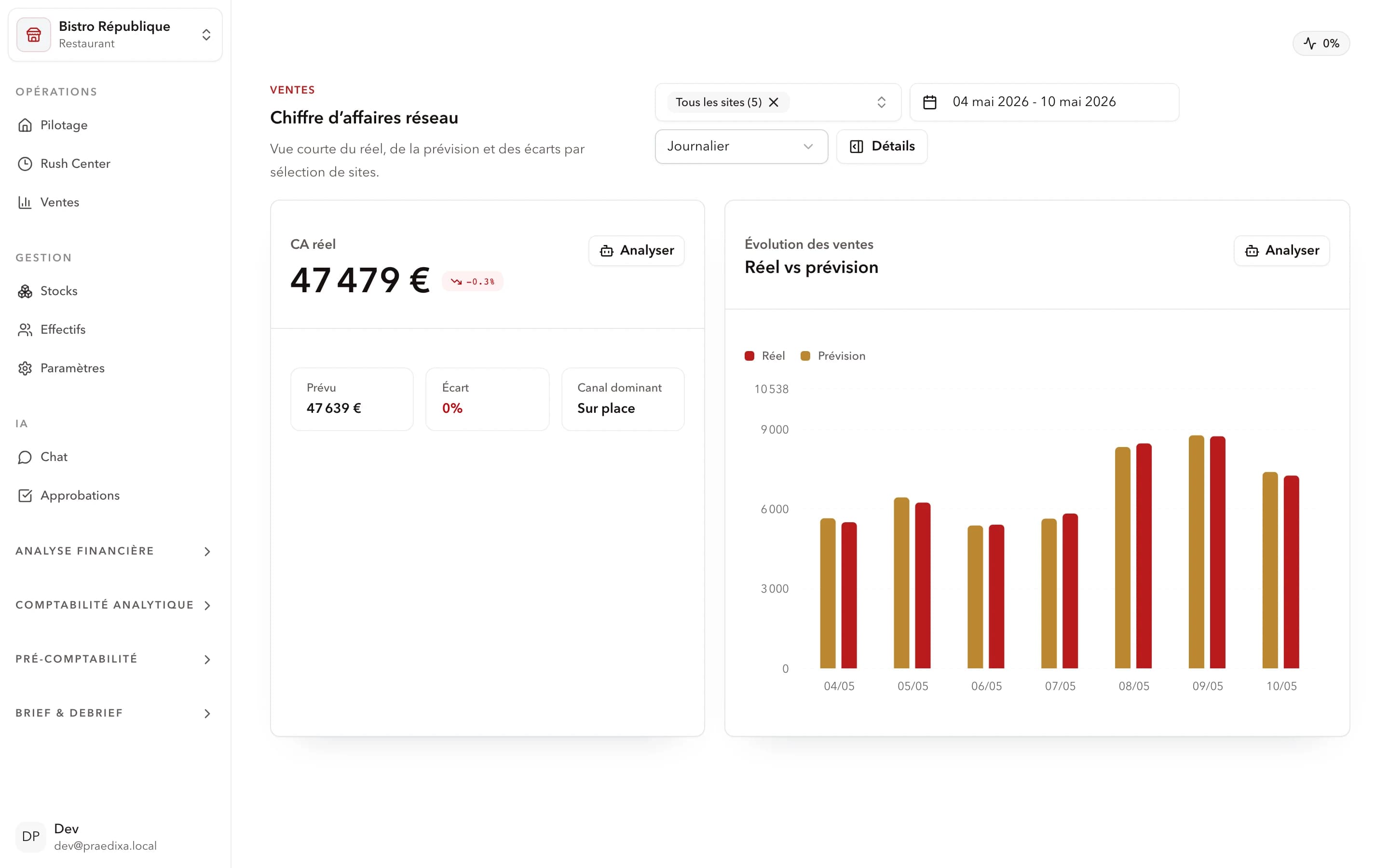
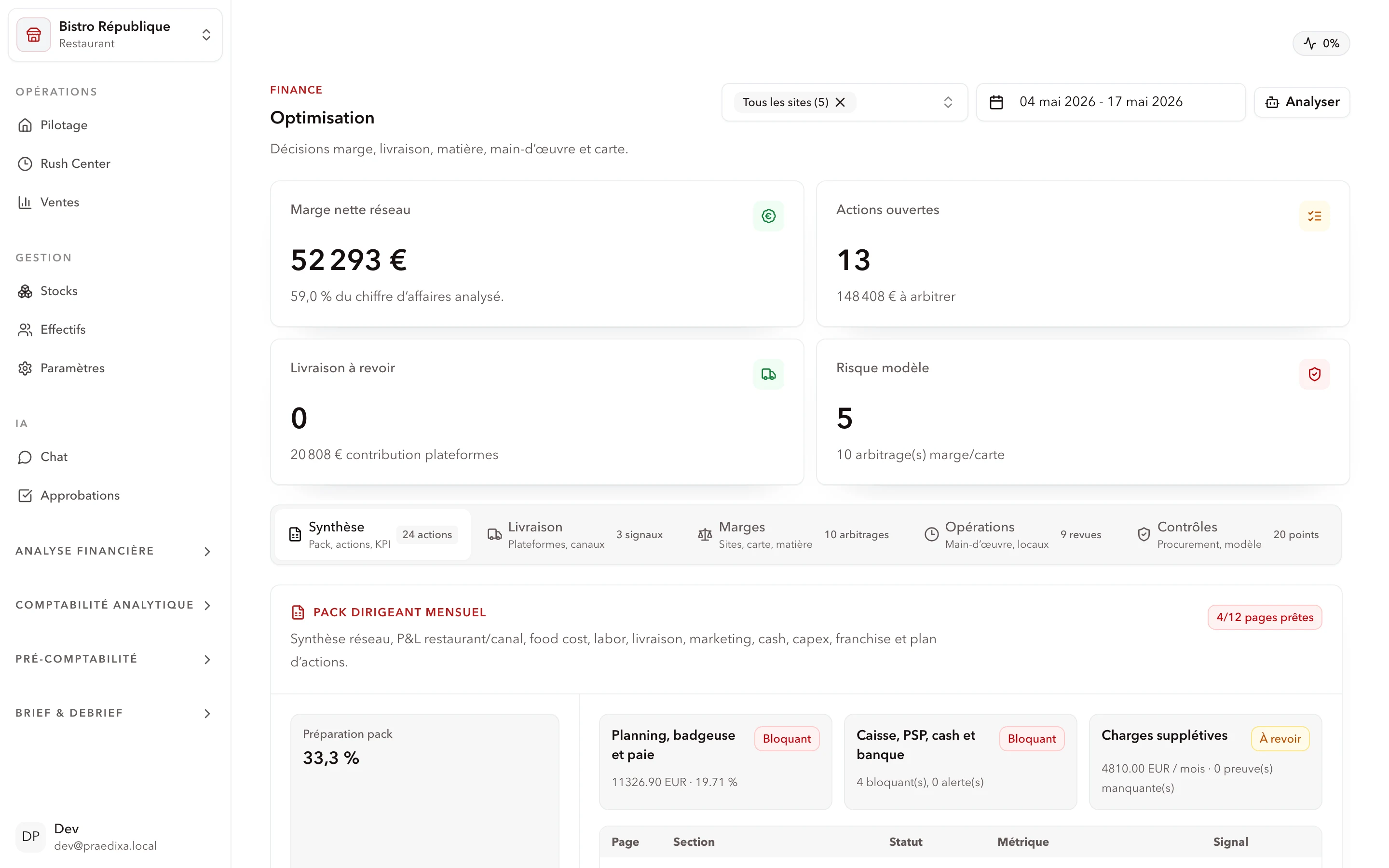
Praedixa Budget module with actual-vs-budget variance per site and per cost line
Praedixa Budget — real-time variance per site and per cost line with threshold alerts.

Function 5 — Real-time network reporting

A 20-restaurant network without centralized reporting is 20 Excel sheets emailed each Monday. Time-consuming, approximate, always late. A good restaurant ERP produces reporting automatically: consolidated dashboards accessible from HQ, configurable alerts (food cost > threshold, labor > budget), one-click export for finance. This reporting logic extends naturally to multi-site restaurant management and restaurant operations management.

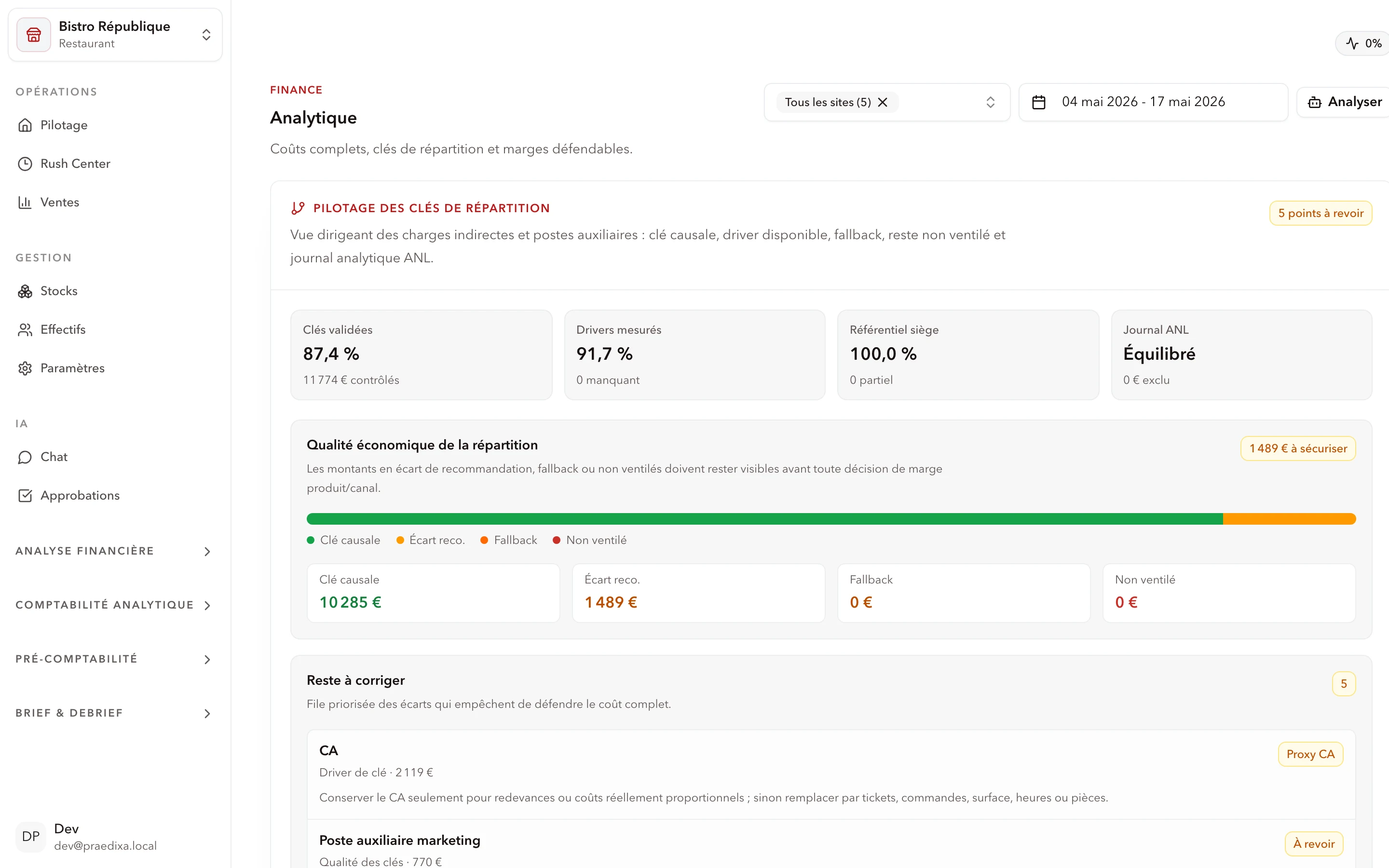
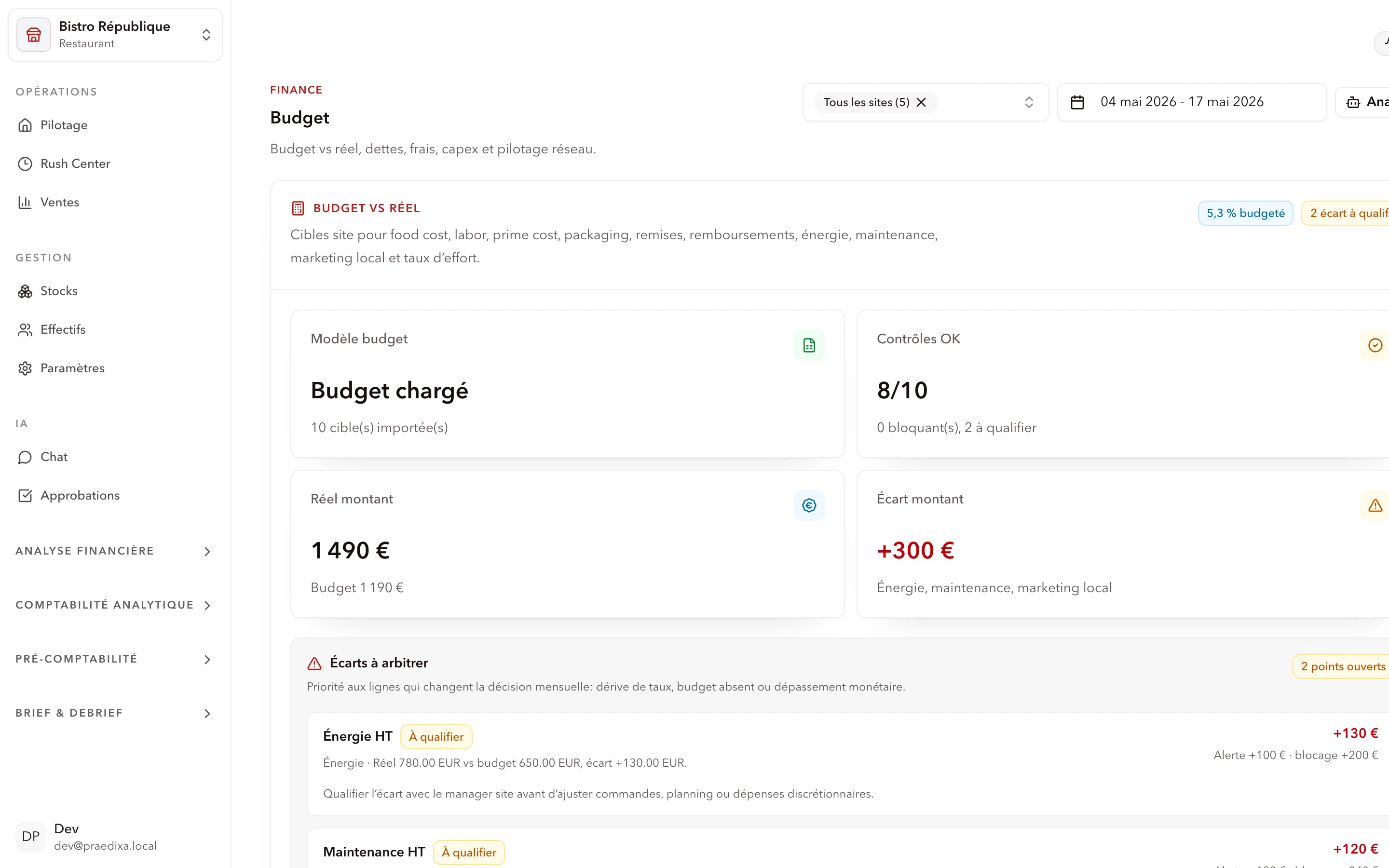
Praedixa Analytics module with allocation keys and balanced ANL journal
Praedixa Analytics — cost allocation per site, validated keys and economic-quality breakdown.

Criterion 1 — Functional coverage: forecast or execution?

First question: is your main problem anticipation (you over- or under-order, schedules are approximate) or execution (recipes aren't followed, food cost is out of control)?

  • Anticipation problem → favor a solution with AI demand forecasting (Praedixa, Inpulse)
  • Material execution problem → favor a food-cost-centric tool (Adoria)
  • Financial consolidation problem → look at Sage or a generic ERP

Criterion 2 — Integration with your POS and WFM

A restaurant ERP that doesn't connect to your POS is blind. Sales data must flow automatically to feed forecasts and theoretical inventory. Check:

  • Native POS connectors: is your POS in the integration list?
  • Open API: can you connect HR, payroll or BI tools you already use?
  • Sync cadence: real time or daily batch?

Criterion 3 — Scalability: 5 to 100 sites without friction

Your network will grow. The ERP must follow without rework. Ask before signing:

  • New site onboarding: how long to integrate it?
  • Franchise model: does it handle franchisor/franchisee access rights?
  • Volumes: does it scale to 100 sites with simultaneous peaks?

Criterion 4 — Measurable ROI in under 90 days

A good restaurant SaaS ERP must deliver fast results. Not in 18 months. If the vendor can't quote measurable 90-day KPIs, it's a red flag. Indicators to track from rollout:

  • Material waste reduction (target: −15 to −20%)
  • Labor cost optimization (target: −10 to −20%)
  • Reporting time (target: divided by 3 to 5)
  • Stockout rate (target: near zero)

Use case — 20-restaurant network, −22% operating costs in 90 days

Context: quick-service chain, 20 sites, inventory and scheduling still largely manual. HQ spent 2 days a week consolidating reports.

Praedixa deployment: POS integration at D+7, manager training at D+14, full go-live at D+21.

Results at D+90 (representative figures, not contractual):

  • Operating costs: −22%
  • Overstaffing: −17%
  • Material waste: −19%
  • Reporting time: ÷4
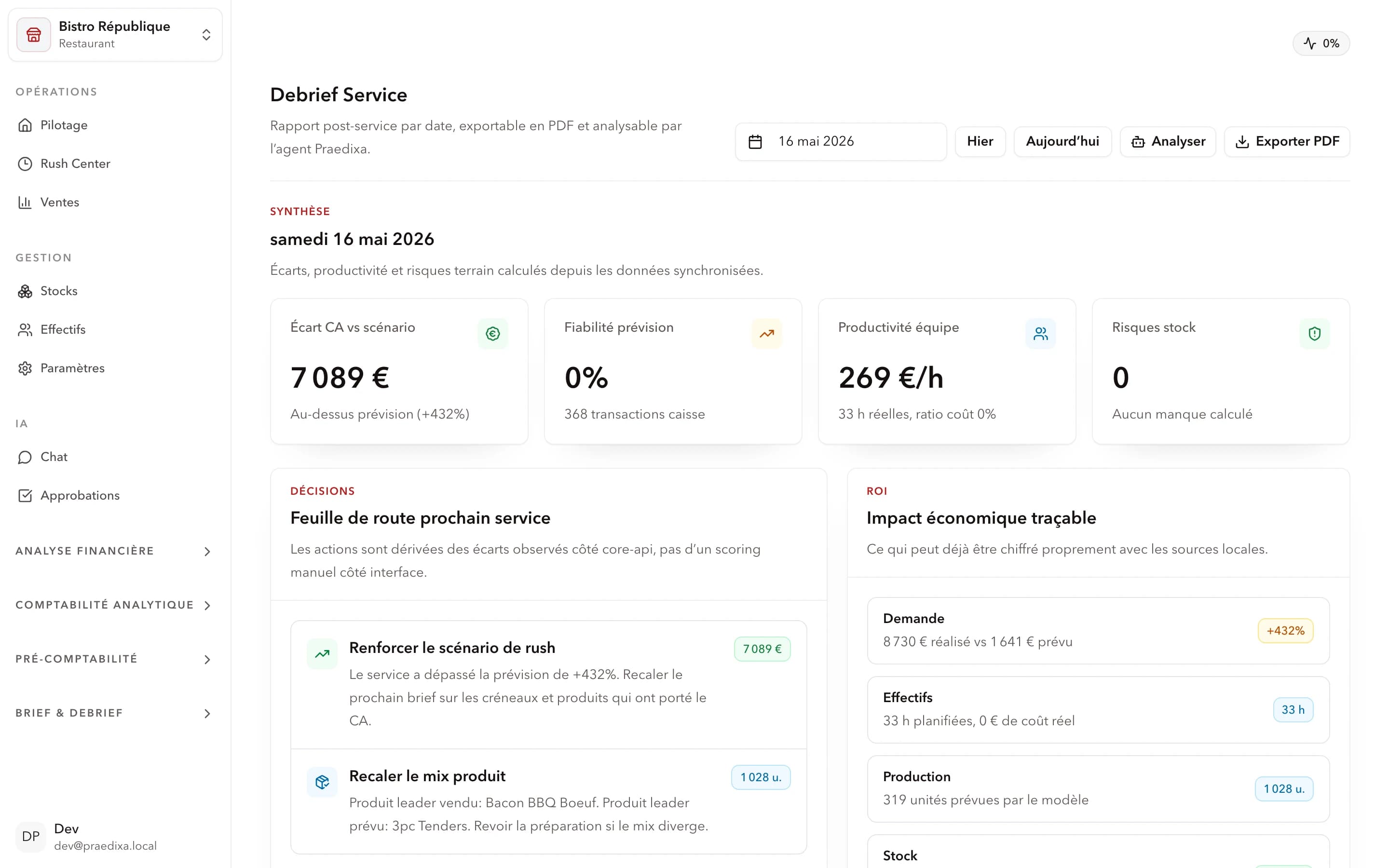
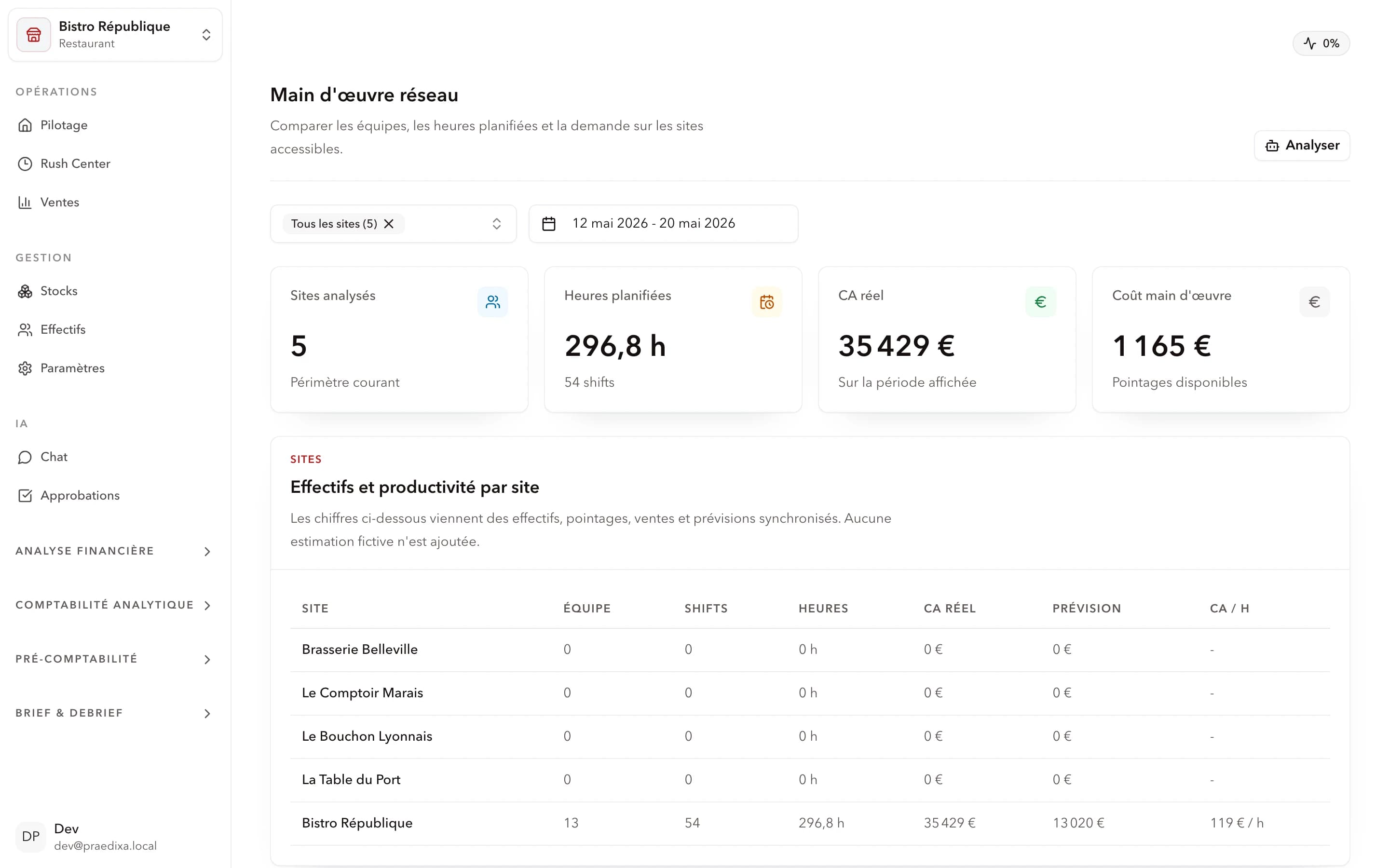
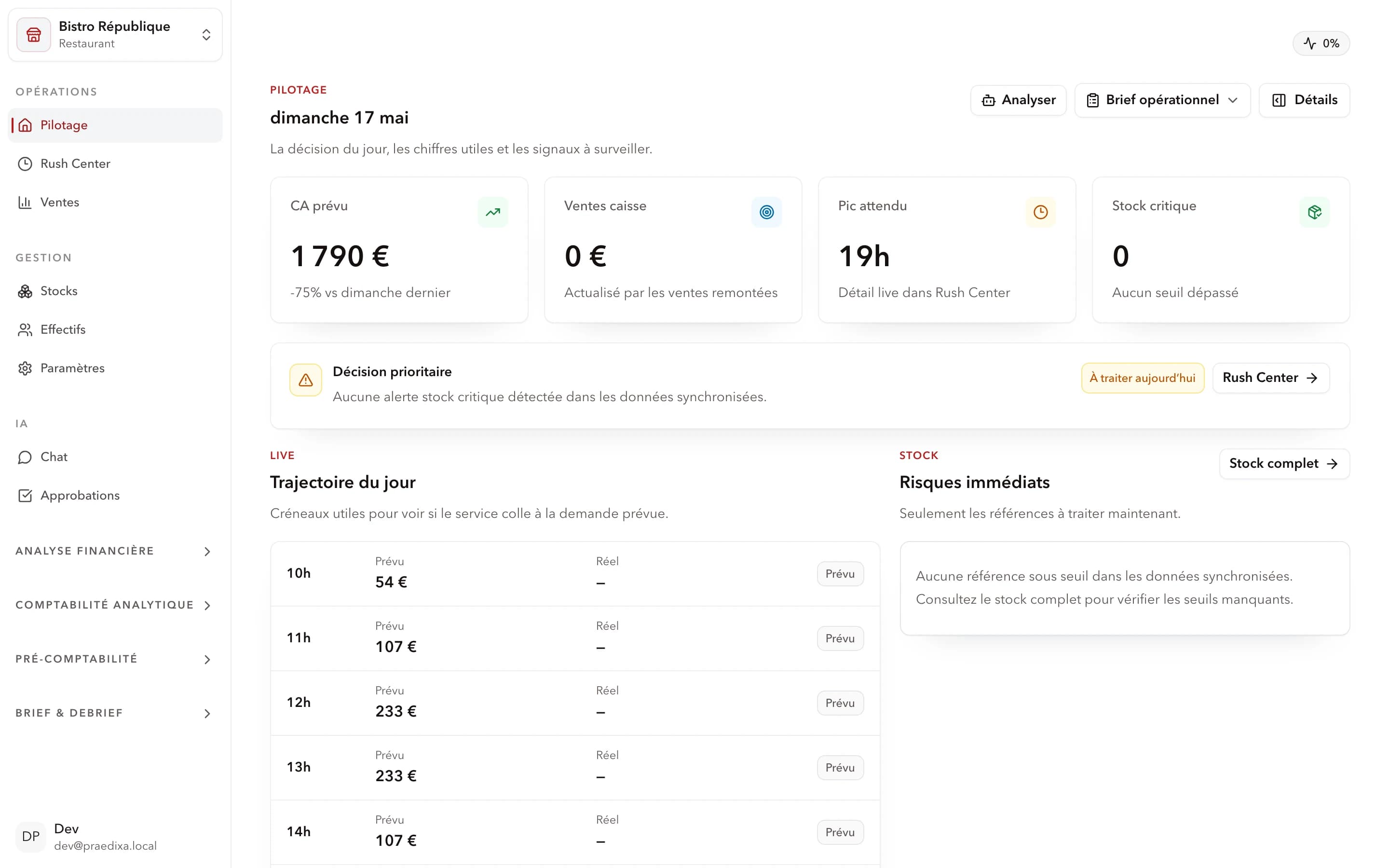
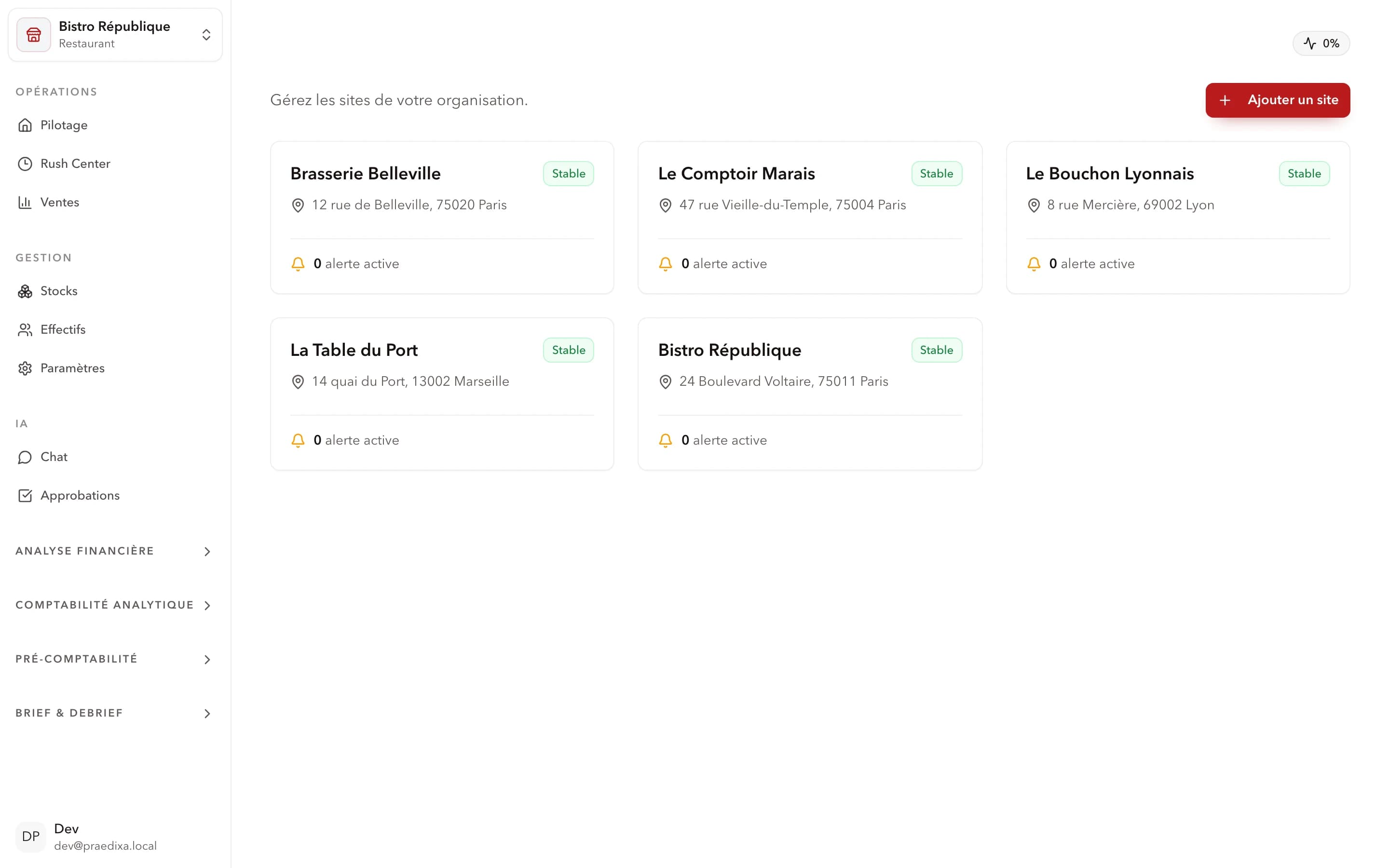
Praedixa network steering post-deployment with 20-site consolidation
Praedixa network steering — 20-site consolidation post-deployment, with drift detected in real time.

What changed concretely

Managers order on AI recommendation — no more rule-of-thumb guesses.

Schedules are generated from traffic forecasts — end of Tuesday-lunch overstaffing.

HQ accesses consolidated reporting in real time — anomalies detected in 24 h, not at month-end.

Expert perspective

Which pillar do 10–30 site networks lose the most money on in 2026: inventory, labor, or food cost?

Labor. Always, at this network size. It's 30–40% of revenue and the only cost line moving daily. A network aligning schedules with forecast demand recovers 5–10 labor points in 30 days, well before any food cost gain. Operators attacking food cost first often pay it in service quality; those who attack labor first generate cash to fund the rest.

Steven Poivre, CEO & Data Scientist — Time Series and Demand Forecasting Expert

How long does it really take to connect Praedixa to a POS like Lightspeed or Zelty?

5 to 10 business days on standard POS (Lightspeed, Zelty, Tiller, Innovorder). The API is documented both sides, historical sales sync is automated, and first forecast signals emerge at D+14 on sites with 12 months of history. The real blocker is never technical — it's POS data quality (homogeneous product categories, complete tickets, no orphan modifiers).

What's the first mistake ops directors make when choosing a restaurant ERP?

Picking on financial consolidation instead of operational anticipation. A beautiful financial ERP gives you a great P&L… at D+30. Too late to steer. A truly useful restaurant ERP detects drift at D+1 on operational KPIs (forecast variance, per-service food cost, per-site labor cost) — BEFORE the monthly P&L freezes them.
The 4 multi-site restaurant ERPs in 2026

#1

Praedixa — forecasting + scheduling + inventory integrated Recommended

AI platform covering the 3 operational pillars simultaneously: demand forecasting, inventory management, labor planning. Designed for multi-site networks and franchises. AI forecasting at site/service granularity, auto-generated schedules from forecasts, inventory and purchasing in the same data flow, real-time consolidated network reporting. Fast deployment, measurable ROI within 90 days. Operations-focused — doesn't replace a dedicated accounting or payroll tool.

ROIMeasured
J+7Lead time
#2

Adoria — food cost and network purchasing

Reference SaaS ERP for managing the material cycle in organized foodservice. Centralizes purchasing, recipes, inventory and food cost at network scale. Continuous real-vs-theoretical food cost with per-site alerts, supplier ordering management, Purchasing/Inventory/Recipes/Production/BI modules integrated, fits mixed franchise/corporate models. No native AI demand forecasting, no integrated labor scheduling module.

#3

Inpulse — automated forecasting and ordering

AI platform specialized in sales forecasting and inventory/order management for restaurant chains, bakeries and corners. AI sales forecasts (weather, events, seasonality), forecast-driven automated supplier orders, digital inventory with stockout detection, +60 POS connected via API. No labor planning module, limited network reporting, no consolidated financial steering.

#4

Sage — multi-site financial management

Generic ERP with advanced financial modules for large chains and restaurant groups needing multi-entity accounting consolidation. Per-location financial management and analytical accounting, multi-site reporting and BI, centralized supplier/contract/delivery tracking. Fits groups with complex ERP needs. No demand forecasting, no restaurant labor planning, no native food cost management. Long, expensive deployment (often >€80k).

Multi-site restaurant ERP comparison 2026 — 4 solutions × 7 criteria

CriterionPraedixaAdoriaInpulseSage
Inventory management✅ Integrated✅ Complete✅ Complete⚠️ Generic
Labor scheduling✅ Native
Multi-site steering✅ Real time✅ Real time⚠️ Limited✅ Financial
POS integration✅ API✅ API✅ 60+ POS⚠️ Via connectors
Network reporting✅ Consolidated✅ Consolidated⚠️ Partial✅ Financial
Indicative priceOn requestOn requestOn requestOn request (>€80k)
ROI pilot

How to turn the comparison into a buying decision

The right way to evaluate software is not to start from a generic demo. The team should choose a narrow scope, for example a few restaurants, product families or a period with high volatility. That scope should be enough to test the critical signals: sales history, weather, calendar effects, promotions, known stockouts, labor constraints and expected service level.

Before comparing results, the team must define the decision that needs improvement. For a restaurant, that can be the quantity to purchase, preparation level, number of people per slot or acceptable stockout risk.

Tracking should stay simple: one line per recommendation, the decision taken, the difference from the usual practice and the observed effect.

INTERACTIVE

Which restaurant ERP for your network?

What is the dominant problem you want to solve?

FAQ

FAQ — multi-site restaurant ERP

What is a multi-site restaurant ERP?

A multi-site restaurant ERP is a software platform that centralizes operational and financial management of a restaurant network: inventory, purchasing, labor, food cost and reporting. Unlike a generic ERP, it integrates foodservice specifics (traffic forecasting, per-service management, food cost calculation) and lets HQ steer the entire network from a single interface.

What is the difference between an ERP and a POS?

The POS records in-room transactions: orders, payments, tickets — an execution tool. The restaurant ERP is a steering tool: it leverages POS data to anticipate demand, manage inventory, schedule labor and consolidate network performance. The two are complementary — the ERP connects to the POS via API to retrieve real-time sales data.

Is Praedixa a restaurant ERP?

Praedixa is an AI operational steering platform for multi-site foodservice. It covers the three pillars a restaurant ERP must address: demand forecasting, inventory management and labor planning. It connects to existing POS and tools via API. For accounting and payroll, Praedixa integrates with dedicated tools — it does not replace them.

What budget should I plan for a multi-site restaurant ERP?

Budget varies considerably by solution and network size. For specialized restaurant SaaS ERPs (Praedixa, Adoria, Inpulse), expect a monthly subscription on quote, usually priced per site or per user. For a generic ERP like Sage X3, multi-site projects typically start around €80,000 and can exceed €200,000 for complex deployments. Specialized SaaS solutions offer better cost/deployment-time ratio for networks of 5–100 restaurants.

How long to deploy an ERP across 20 restaurants?

With a specialized restaurant SaaS solution, deployment across 20 sites typically takes 3–8 weeks: POS integration in week one, manager training in week two, progressive go-live afterward. A generic ERP (Sage X3, SAP) takes 6–24 months depending on project complexity and customization. For a growing network, deployment speed is a selection criterion as important as functional coverage.

Ready to take action?

Your competitors will make these decisions 14 days in advance. Will you?

Free 30-minute demo. We show you your data, your forecasts, your first alerts. Not a pitch — a concrete demonstration on your sector.

30-minute demo · No commitment · Data hosted in France

  • Fast pilot kickoff
  • Native POS connection
  • Measurable ROI